Watch Haci Bayram i Veli Episode 26 With English Subtitles
Haci Bayram Returns From Pilgrimage and Sis Says Farewell – Haci Bayram i Veli Episode 26 with English Subtitles
Watch Haci Bayram i Veli Episode 26 with English Subtitles – Haci Bayram Returns From Pilgrimage and Sis Says Farewell
“The ember goes, the fire remains.”
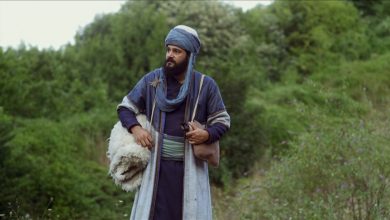
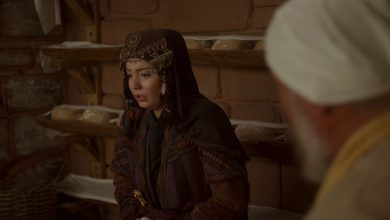
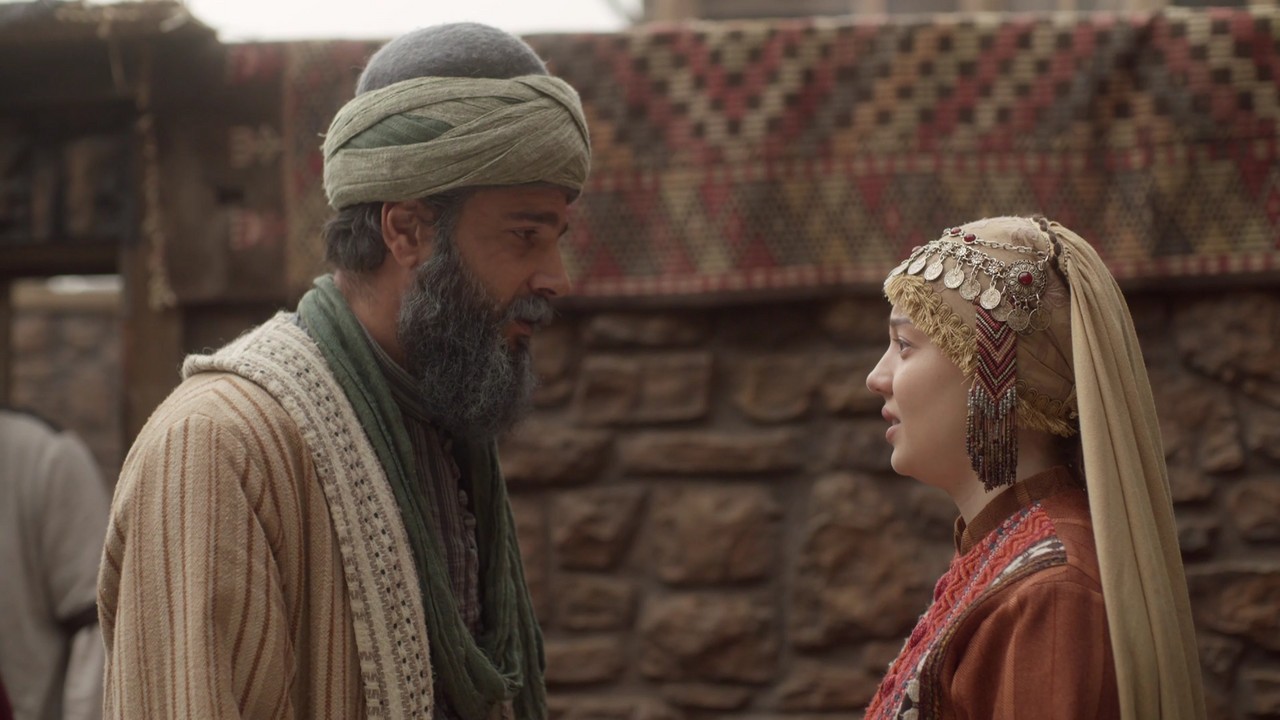
Episode 26 opens with Haci Bayram back from the pilgrimage, and his family in Sis is overjoyed to see him. He tells his children what he saw on the road to the Kaaba. Then an old enemy from the market shows up with a surprising turn. Somuncu Baba tells his circle that their work in Sis Castle is finished, and the farewells begin. Entrusting people, goats and even birds to others, the household prepares to leave. The final scenes are best left for you to watch.
A Homecoming and a Pilgrim’s Story
Ibrahim and Fatima run to meet their father, calling out that he is coming from the pilgrimage. Bayram greets his family and gives out gifts, then asks Ibrahim to bring eight stones so he can explain his journey. He tells them about Karbala and Hadhrat Husayn, the pilgrim’s garment of two white cloths, the Talbiyah, and the first sight of the Kaaba. He also mentions Al-Baqi Cemetery and Uhud Cemetery. Murat is given a garment from his brother and is told not to shy away from showing his heart.
The Man From the Shop Repents
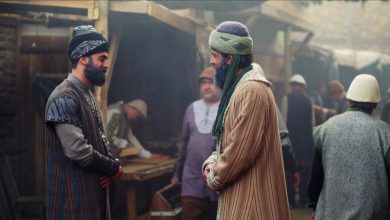
While Bayram and the others sell bread to the believers, a man from the shop appears and says he was about to kill Bayram. A dagger and poison are involved, and the group hurries to treat the wounds with ointment. The man refuses mercy at first and says he will not be grateful. Bayram answers that the heart he speaks of burns with the love of Allah. Later the man says he has repented. He used to drink, but now he recites God’s name, and he asks to be forgiven.


 Connect with us on SOCIAL MEDIA to catch up on the latest updates and be part of our growing community!
Full HD version bellow. Enjoy!
Terms used in this episode
- Şeyh spiritual leader of a Sufi order
- Helal lawful / forbidden
- Efendi sir, master
- İnşallah If Allah wills
- Eyvallah thank you / so be it / agreed
- Sallallahu aleyhi ve sellem Peace and blessings be upon him
- Ağa chief, commander, elder
- Bismillah In the name of Allah
For any issues, please check our FAQ
Check if you have issues on all your devices (phone, tablet, laptop, PC…) or just your TV.
Different manufacturers (Samsung, LG and others) have different operating systems on which their TV’s run. Samsung uses Tizen while LG has webOS and they are not up to date with the latest standards in video playback.
That’s why we developed a player which supports casting feature.
If the video is playable on your other devices, try casting it to your TV.
In some cases casting icon doesn’t show up on the lower edge of the player to iPhone/iPad owners.
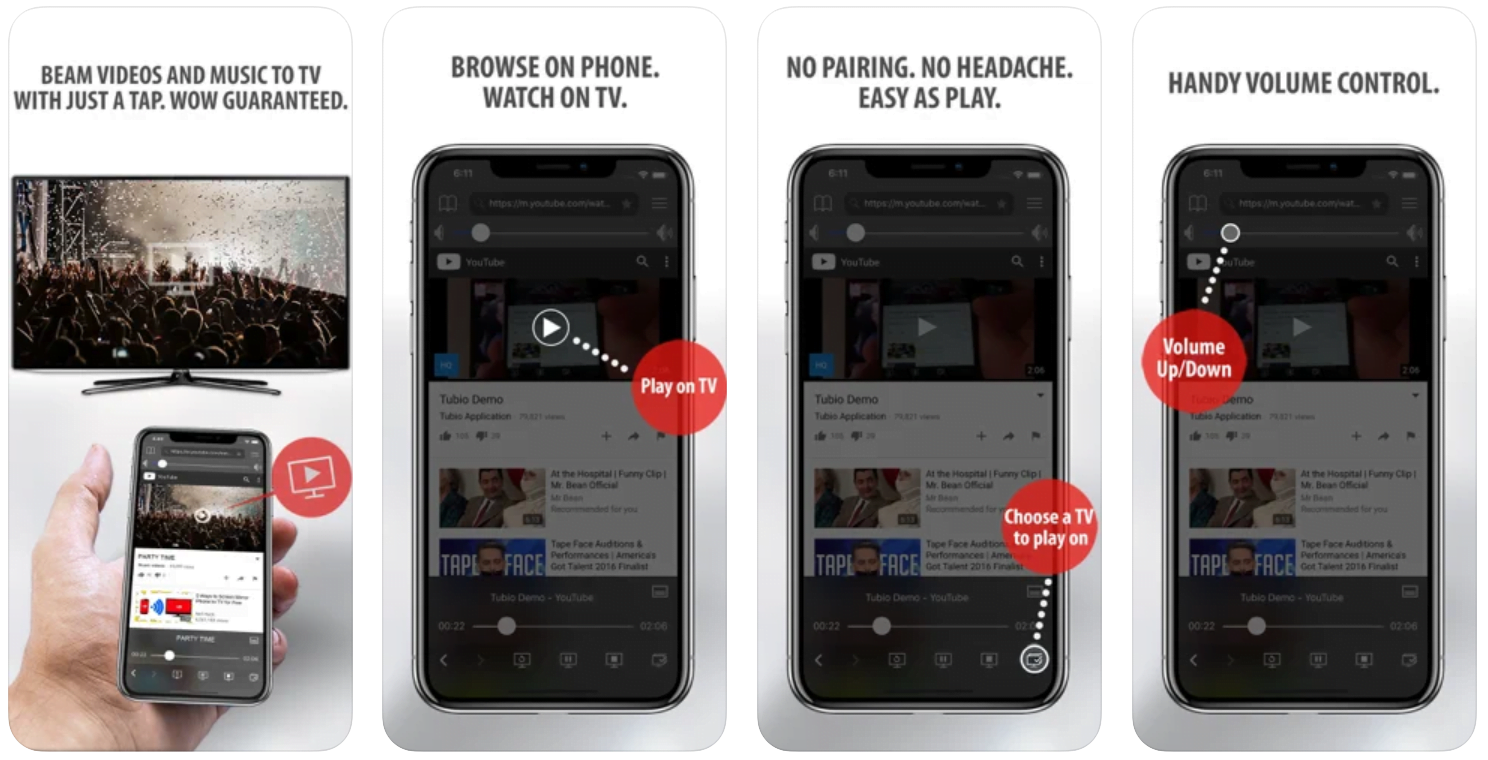
If you face such an issue, we recommend using Tubio app. It’s free and you can download it from App Store by clicking this link.
With it, you can cast any video from your iPhone/iPad to your TV.
Yes it does! Our new player supports casting feature so you can easily cast the video from your phone/tablet/laptop or PC to your TV
Video casting is a feature which allows you to send (or cast) a video from your phone, tablet, laptop or a PC to your Smart TV or other Cast-enabled device (such as Smart TV’s, Chromecast and other devices with cast functionality).
It makes watching a video on your TV very convenient because you don’t have to use your TV’s browser (which are often not very user friendly) to find the video and play it on your TV.
Insted, you simply:
- find it on your phone, tablet, laptop or a PC,
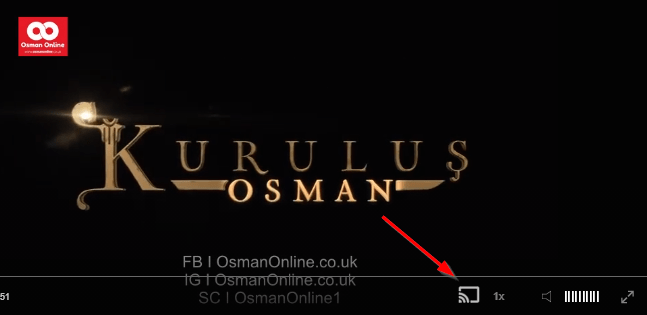
- click ‘Cast’ button (image below) on the lower edge of the video,
- select a TV to which you want to send the video
and video playback will start on your TV.
Note: Your TV and your phone, tablet, laptop or a PC need to be on the same network. It’s usually the case at home but, for example, if your phone is on mobile network and your TV is connected to your home network, casting button won’t show up on your phone because your phone doesn’t “see” your TV because they are not on the same network. In which case, simply connect your phone to your home network and reload the browsers page where the player is.
Clear cookies, clear cache, try a different browser.
Here’s a handy guide for most browsers.
Try using a different network. For example, if you have issues on your home network, you can try using your phone and it’s mobile network, in which case, your ISP is blocking the access to the video so maybe you should consider switching ISPs or using a VPS service.
Farewells Before a Quiet Departure
Somuncu Baba gathers his circle and says their duty in Sis Castle is done. He wants to leave like a secret, and he tells Bayram that his family will come too. People begin to ask each other’s forgiveness for any rights owed. Bayram sells his goats to the butcher Lutfi and leaves his daughter’s share of bread for the birds and ants in Celal Agha’s care. Harun is entrusted with the loaves of the believers. The group sets off with a long chant, and a solemn ceremony still waits ahead.
Mini FAQ
What happens in Haci Bayram i Veli Episode 26?
Bayram returns from the pilgrimage and tells his children about it, and a man from the shop repents. Then Somuncu Baba announces that they will leave Sis, and the farewells begin.
What does Bayram tell his children about the pilgrimage?
He describes Karbala, the pilgrim’s garment, the Talbiyah, the Kaaba and his visits to Al-Baqi and Uhud cemeteries. He uses eight stones to help explain it.
Where can I watch Haci Bayram i Veli Episode 26 with English subtitles?
You can watch Episode 26 with English subtitles on osmanonline.live.
Watch all episodes of Haci Bayram i Veli with English subtitles on OsmanOnline.live.
For more Turkish series like this, visit osmanonline.live to watch, and explore fascinating historical tales at osmanonline.me.